
BrokerGenius Is Live: The Free Mass Listing Tool for Business Brokers
October 5, 2026
Upload dozens of listings in seconds. Download your entire portfolio in one click. No subscription, no fees, ever. Here’s everything you need to know, even if you’ve never uploaded a spreadsheet in your life.
The problem BrokerGenius solves
A business broker is a professional who helps owners sell their companies. Part of the job is getting each business in front of as many buyers as possible, which usually means posting the same listing on several websites. Each site has its own form. Each form takes 15 to 30 minutes. Multiply that by 40 listings and 3 platforms and you’ve lost days to data entry.
BrokerGenius cuts that down to minutes.
Get new listings and our guides by email, free.
What BrokerGenius does
It gives brokers two capabilities that, as far as we know, no other free platform offers in one place.
1. Mass upload
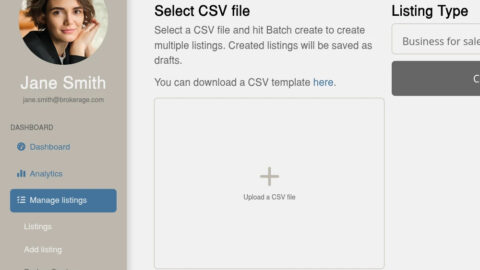
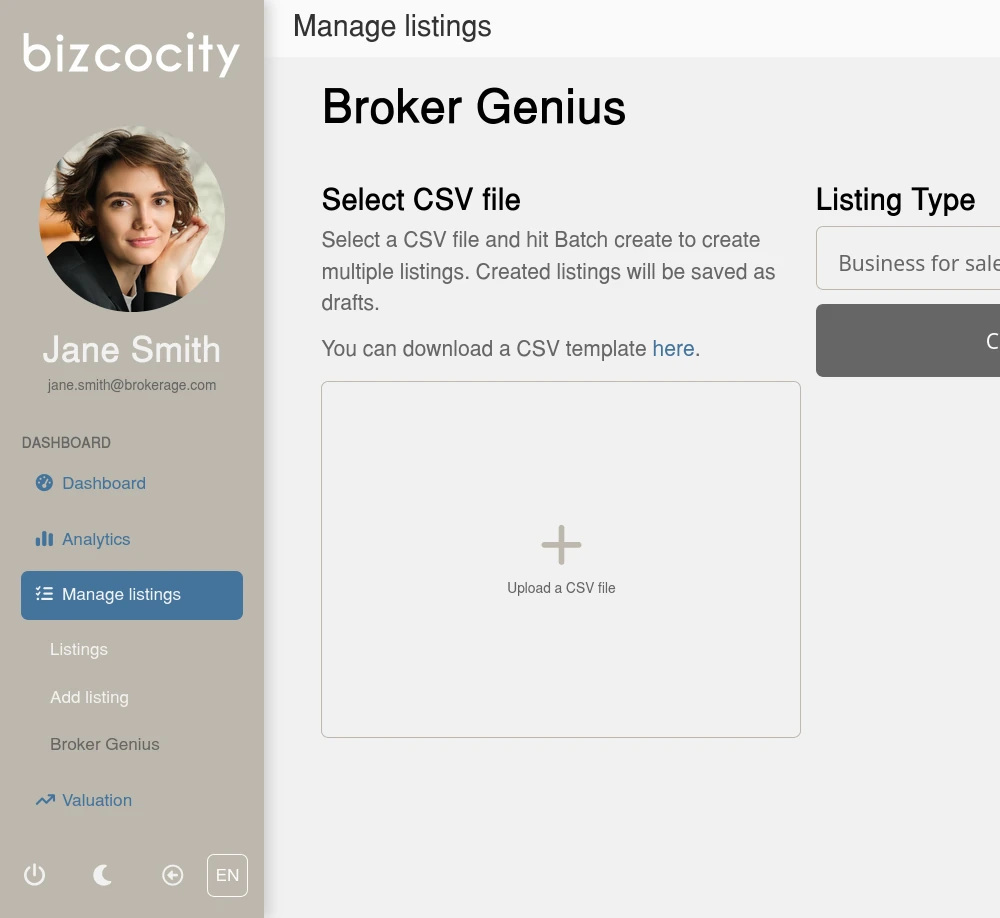
Put all your listings into one spreadsheet template, one row per business, and upload the file in a single step. Every listing appears at once in your Bizcocity dashboard. No copy-pasting, no repeating the same form. What used to take hours now takes minutes.
2. Export all your listings (NEW)
You can now download every one of your Bizcocity listings as a CSV file: business names, prices, locations, contact details, and more, in one click. Use it to update listings in bulk, share your inventory with a colleague, load it into your CRM, or keep a backup. Free, like everything else here.
The BrokerGenius template
The template is a standard spreadsheet. Each row is one business. Fill it in Excel, Google Sheets, or any spreadsheet program, then upload it to BrokerGenius.
Download the template:brokergenius_template.csv
Here’s what each column means. Required fields must be filled for the upload to work.
| Column | What to enter | Required? |
|---|---|---|
| Business Name | The listing title buyers will see | Yes |
| Category | The type of business, e.g. Restaurant, Retail, Manufacturing | Yes |
| Location: City | City where the business operates | Yes |
| Location: Province/State | Two-letter code, e.g. QC, ON, NY | Yes |
| Location: Country | Canada or United States | Yes |
| Asking Price | Numbers only, in local currency (CAD for Canada, USD for the U.S.) | Yes |
| Annual Revenue | Total sales for the last fiscal (financial) year | Optional |
| Cash Flow (EBITDA) | Earnings before interest, taxes, depreciation and amortization: roughly, the cash the business generates from operations | Optional |
| Year Established | Four-digit year, e.g. 1998 | Optional |
| Employees | Full-time equivalents (two half-time staff = 1) | Optional |
| Lease Term | Time left on the commercial lease, e.g. 3 years remaining | Optional |
| Real Estate Included | Yes or No: does the building come with the sale? | Optional |
| Reason for Selling | e.g. Retirement, relocation, new venture | Optional |
| Short Description | 2 to 3 sentences shown in search results | Yes |
| Full Description | The complete listing details | Recommended |
| Contact Name | Who buyers should reach | Yes |
| Contact Email | Where inquiries go | Yes |
| Contact Phone | A direct number | Recommended |
| Reference Number | Your own internal code for the listing | Optional |
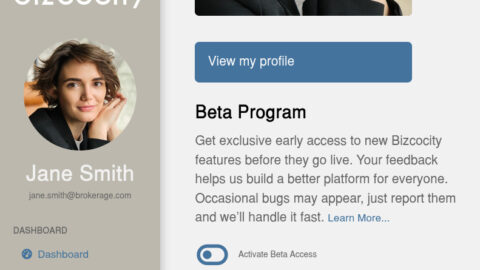
How to activate BrokerGenius

Short on time? We'll do it for you
Send your portfolio in any format (CSV, Excel, PDF, or even a plain list) to brokers@bizcocity.com and our team will upload it for you, free. For large files, use WeTransfer.com (a free file-sharing service) and send us the download link.
Using AI to fill your template faster
Many brokers use AI writing tools to draft listing descriptions. They’re fast, but your listing data can be sensitive. Some AI tools use what you type to “train” (improve) their models, which means your information could be stored and reused. Here’s how to stay safe:
Why list on Bizcocity?
Bizcocity has connected buyers, sellers, and brokers since 2015. Competing platforms charge brokers $70 or more per month just to keep listings active. On Bizcocity there’s no monthly fee, no per-listing fee, and no paid tier. BrokerGenius, including the new export feature, costs the same: zero.
You don’t have to leave your current platforms. With BrokerGenius, adding Bizcocity takes so little time there’s no reason not to be here too.
Found a bug?
BrokerGenius is in active development. If something doesn’t work as expected, email brokers@bizcocity.com with a short description and, if you can, a screenshot.
Bizcocity newsletter
Stay in the loop
New listings, practical guides and BrokerGenius news. Free, no spam.