
How do I list a business?
Updated: September 2026
Listing your business on Bizcocity couldn’t be easier. Login to your Bizcocity account https://bizcocity.com/ , if you have not made an account already you can register for one https://bizcocity.com/register and follow the steps to get your broker account active.
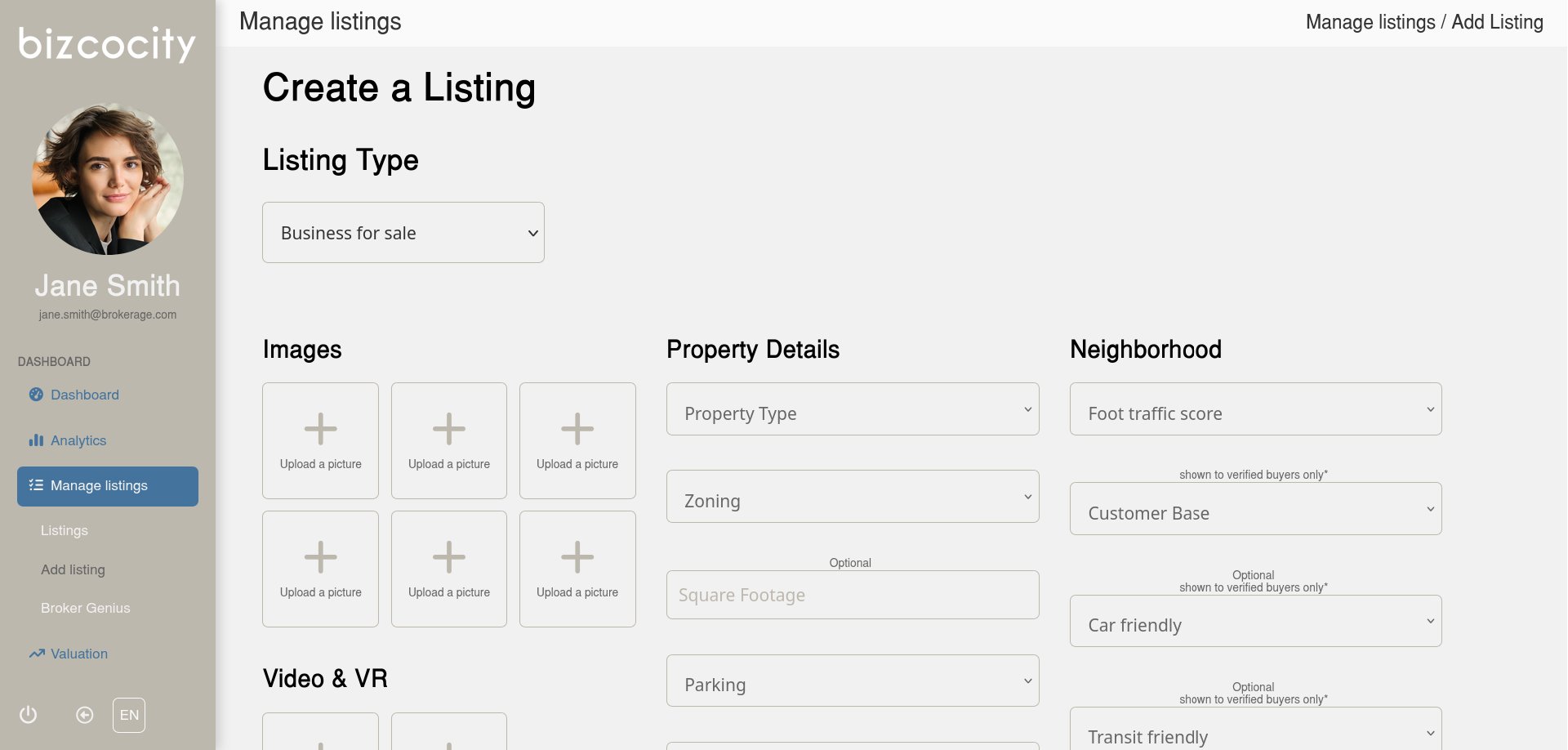
Once you are into your account dashboard you can click on the Manage Listings tab on the nav bar on the left and select add listing. Select the type of listing you plan on adding, fill in the required information and hit submit. Optionally you can save your listing as a draft and continue it at a later date.
Its free, its simple, your listing is live in minutes.
